How it works
Six steps.
One calm routine.
TibMind is built so the next useful thing is always obvious. Here's how a day with it works — using the app's real screens.
- 1
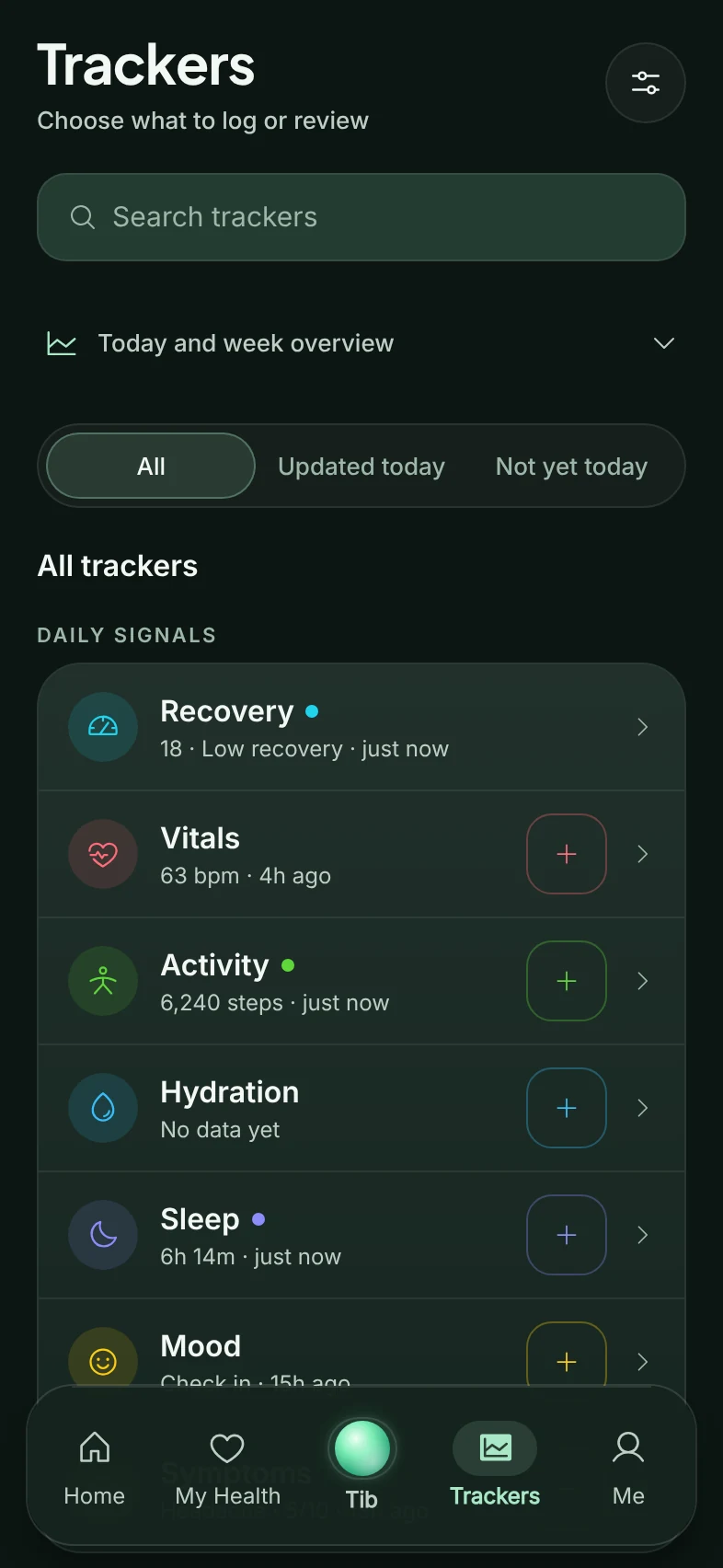
Choose what you track
Pick the trackers that matter to you — sleep, symptoms, medicines, GLP-1, women's health and more. They become your list and your one-tap shortcuts. Everything else stays out of the way.
- 2
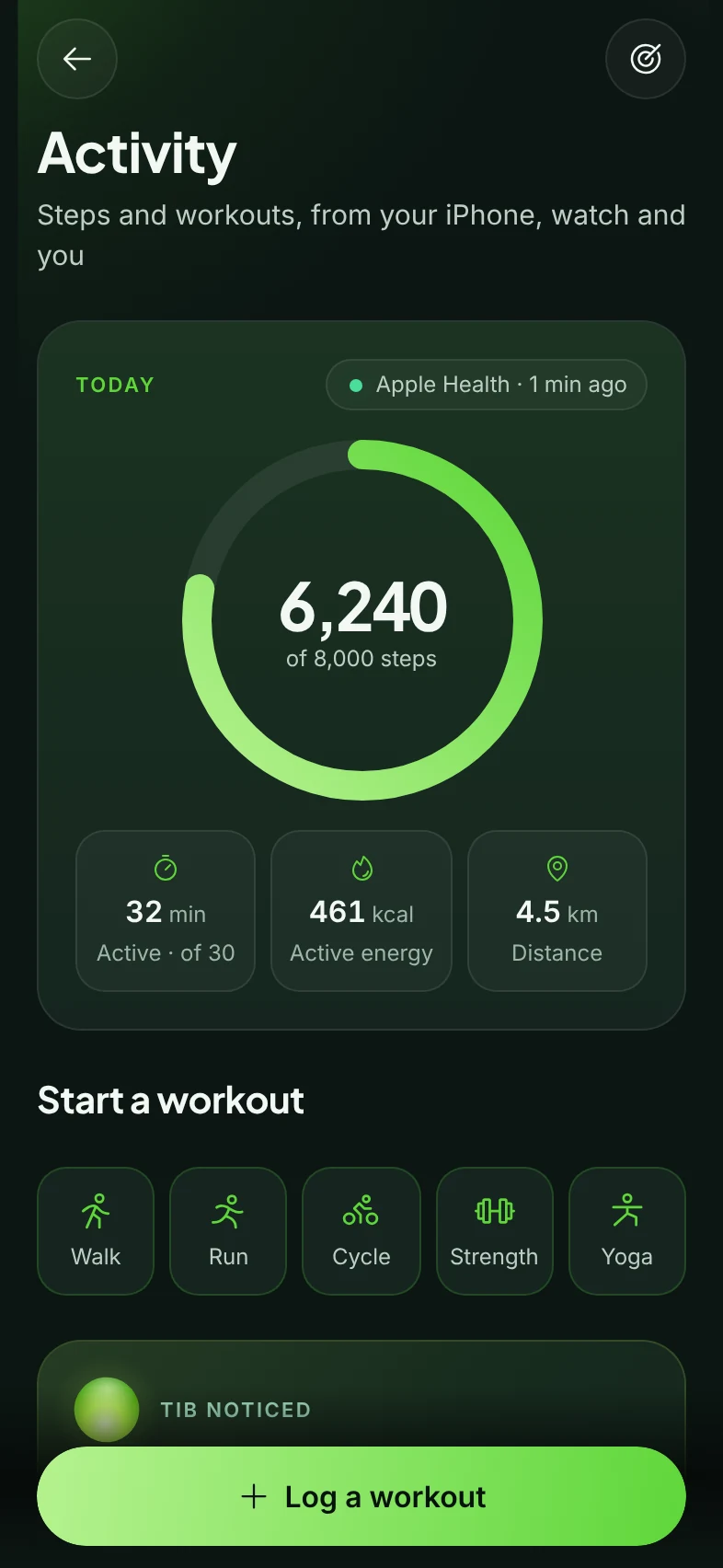
Connect Apple Health
If you like, sleep, steps, heart rate and workouts arrive on their own — each reading labelled with where it came from, so you always know what you're looking at.
- 3
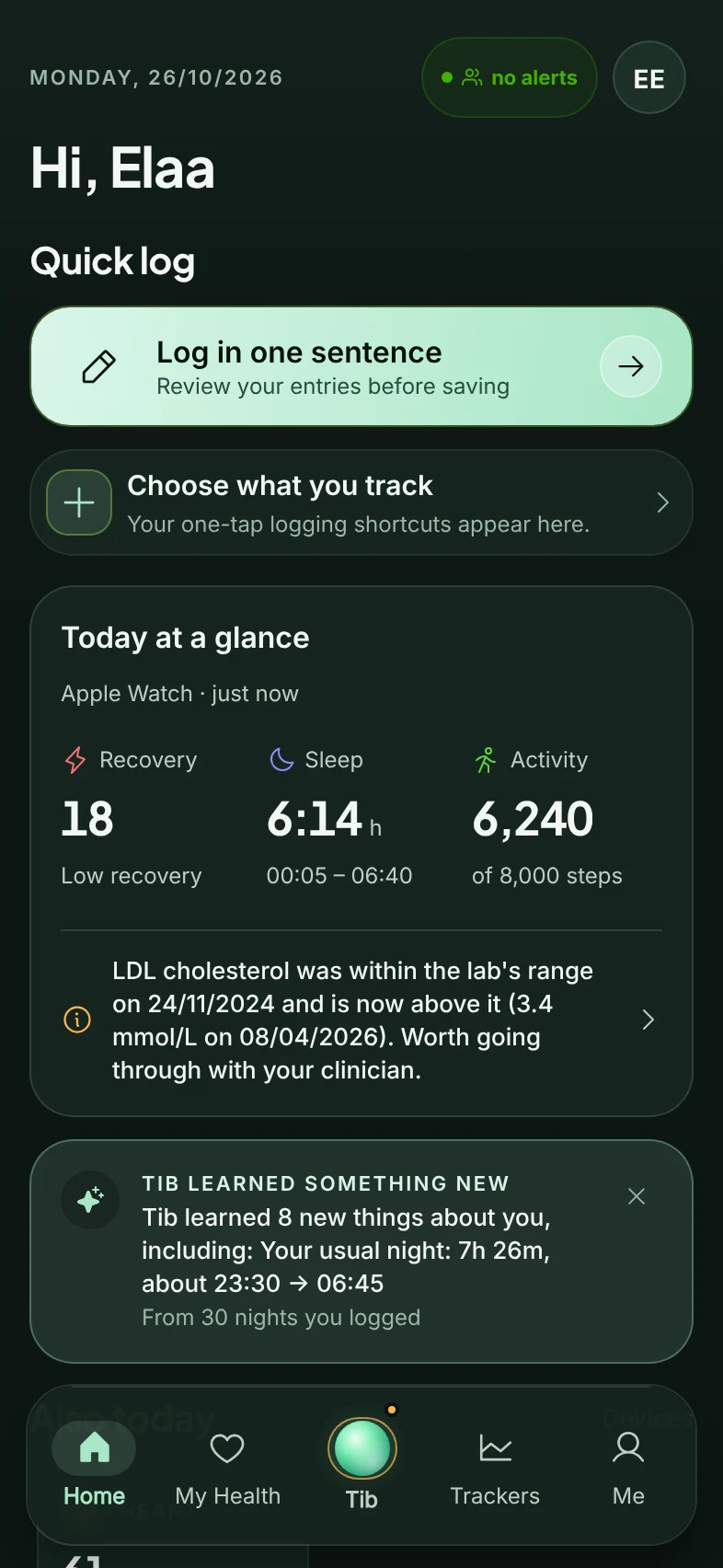
Log your day in one sentence
Type it the way you'd say it. TibMind reads it on your phone, sorts it into the right trackers and shows you every entry to confirm before it's saved.
- 4
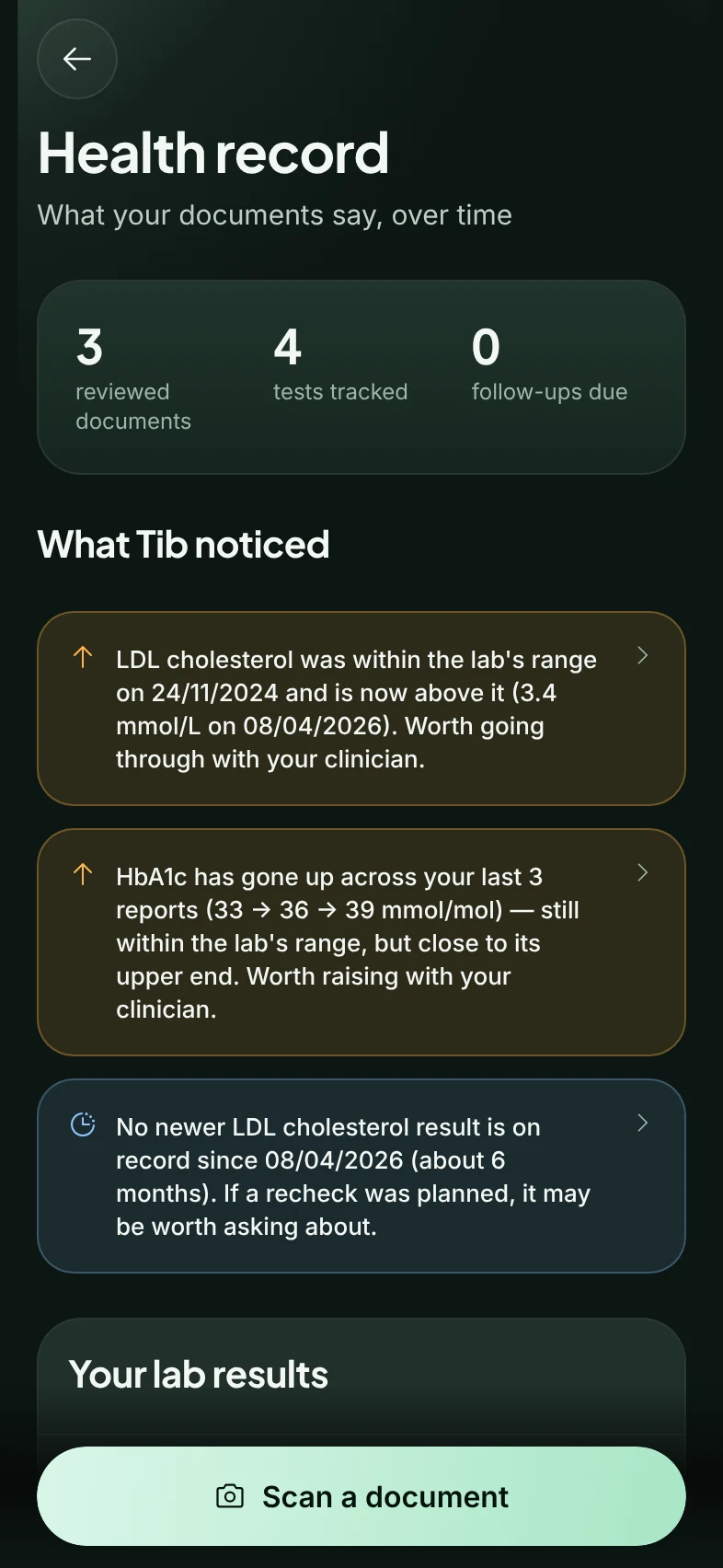
Keep your documents together
Add reports, letters and results to the right person's record. You confirm what each one is, and tracked results line up over time.
- 5
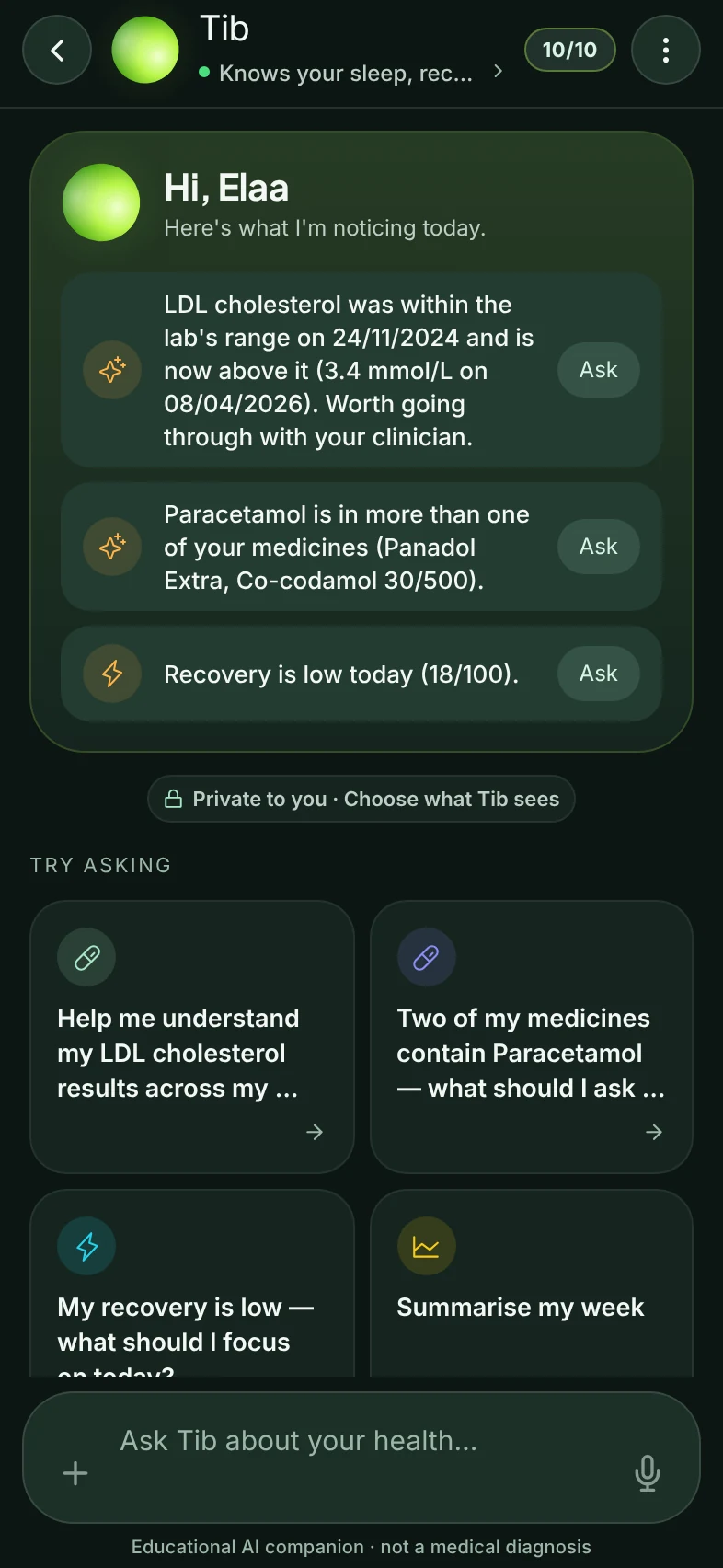
Let Tib notice
Tib reads across your trackers and records and points out what has changed — with what it's based on, and who it's worth asking.
- 6
Share only when you choose
Bring a clear PDF to an appointment, send a sealed snapshot, or let the adults in your TibCircle see the updates you pick. Nothing leaves your phone otherwise.
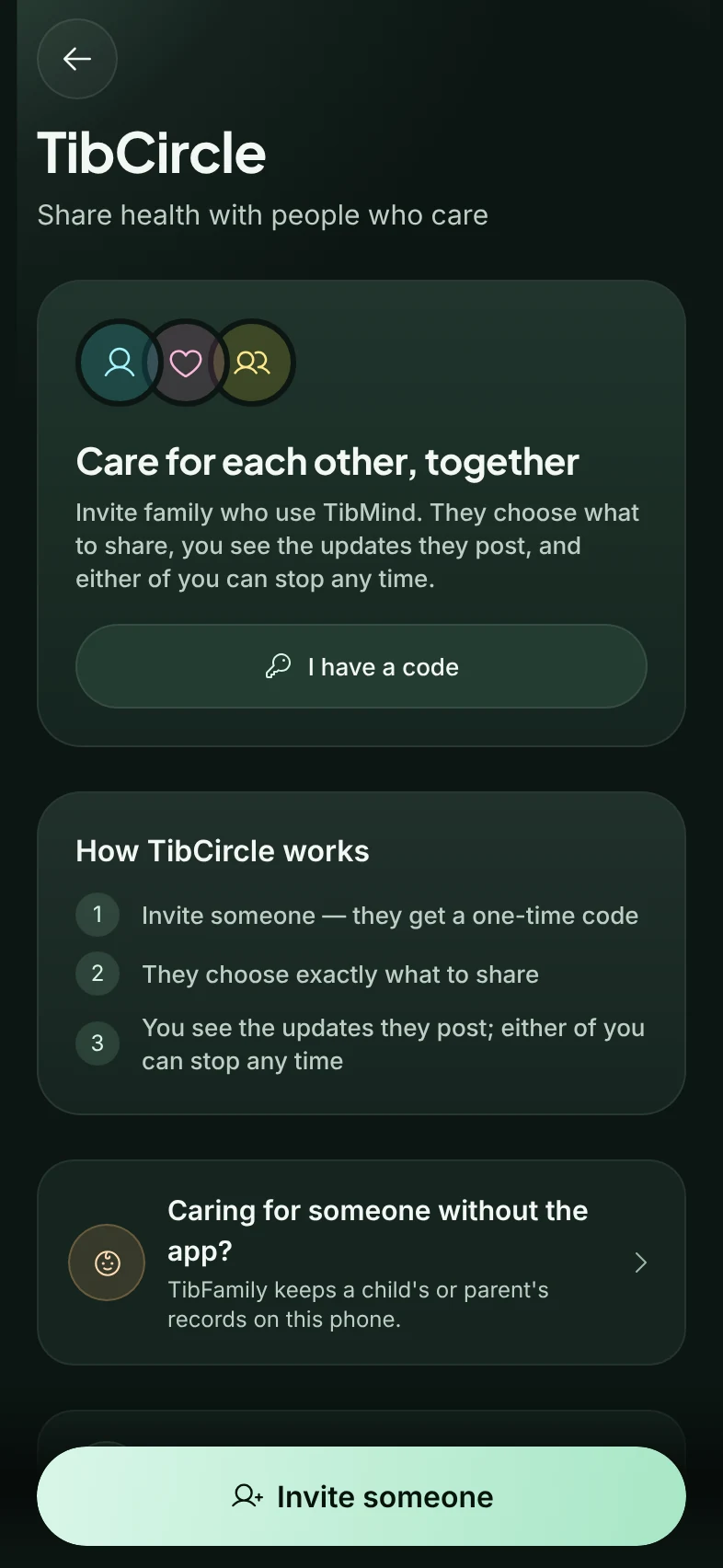
Real TibMind screens, shown with sample data for a fictional person.
Ready when you are.
Join early access and we'll tell you the moment TibMind arrives on the App Store — one email, no spam.
TibMind does not diagnose, treat, or replace professional medical advice.